



Protecting Our Students’ Digital Safety on Social Media
At The Cottesloe School, celebrating the achievements, talents, and daily life of our students is a vital part of who we are. Our social media platforms and website have always been vibrant spaces where we share these proud moments with our wider community.
However, as technology evolves, our duty to safeguard students must extend directly into online spaces. You may have seen recent news reports regarding new national guidance from the UK Safer Internet Centre concerning the emerging risks of AI image manipulation.
Understanding the New Safeguarding Risks
Advancements in generative AI mean that public images can now be harvested via automated web-scraping tools and altered maliciously. While our school has not been targeted, the UK Safer Internet Centre has made it clear that all educational settings must take proactive steps to eliminate these vulnerabilities.
To ensure our students' safety remains our highest priority, we are immediately implementing a "safeguarding-first" approach to all our online imagery.
What Changes Will You See Online?
Moving forward, you will notice a significant shift in the style and quality of the photographs and videos we post. To prevent digital content from being scraped or misused, we are implementing the following security measures:
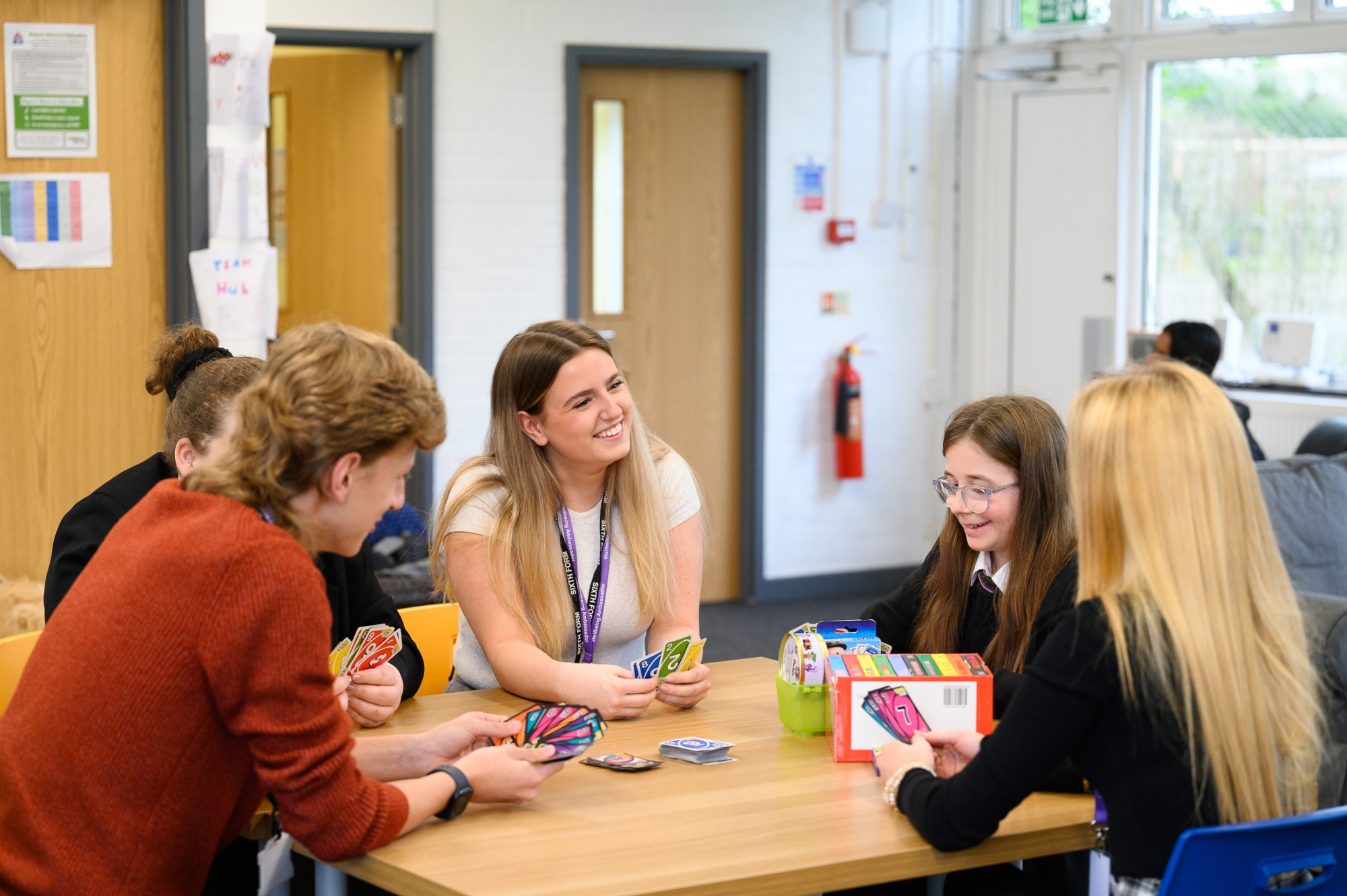
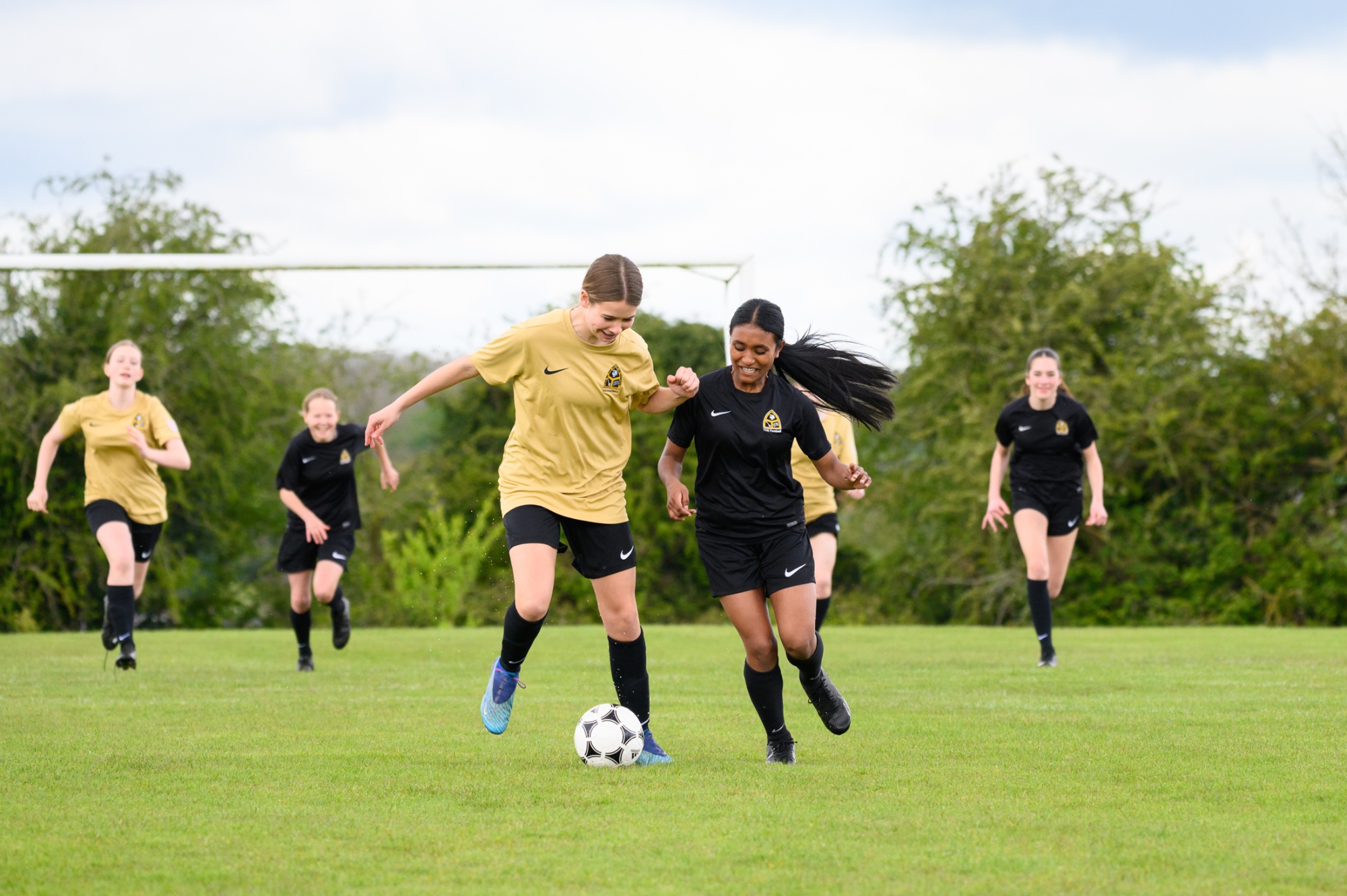
- Alternative Angles: We will focus on shots taken from a distance, over-the-shoulder views, or images where student faces are blurred or not directly identifiable.
- Lower Resolution Images: We will intentionally publish images in a lower resolution, as high-quality files are much easier for AI tools to manipulate.
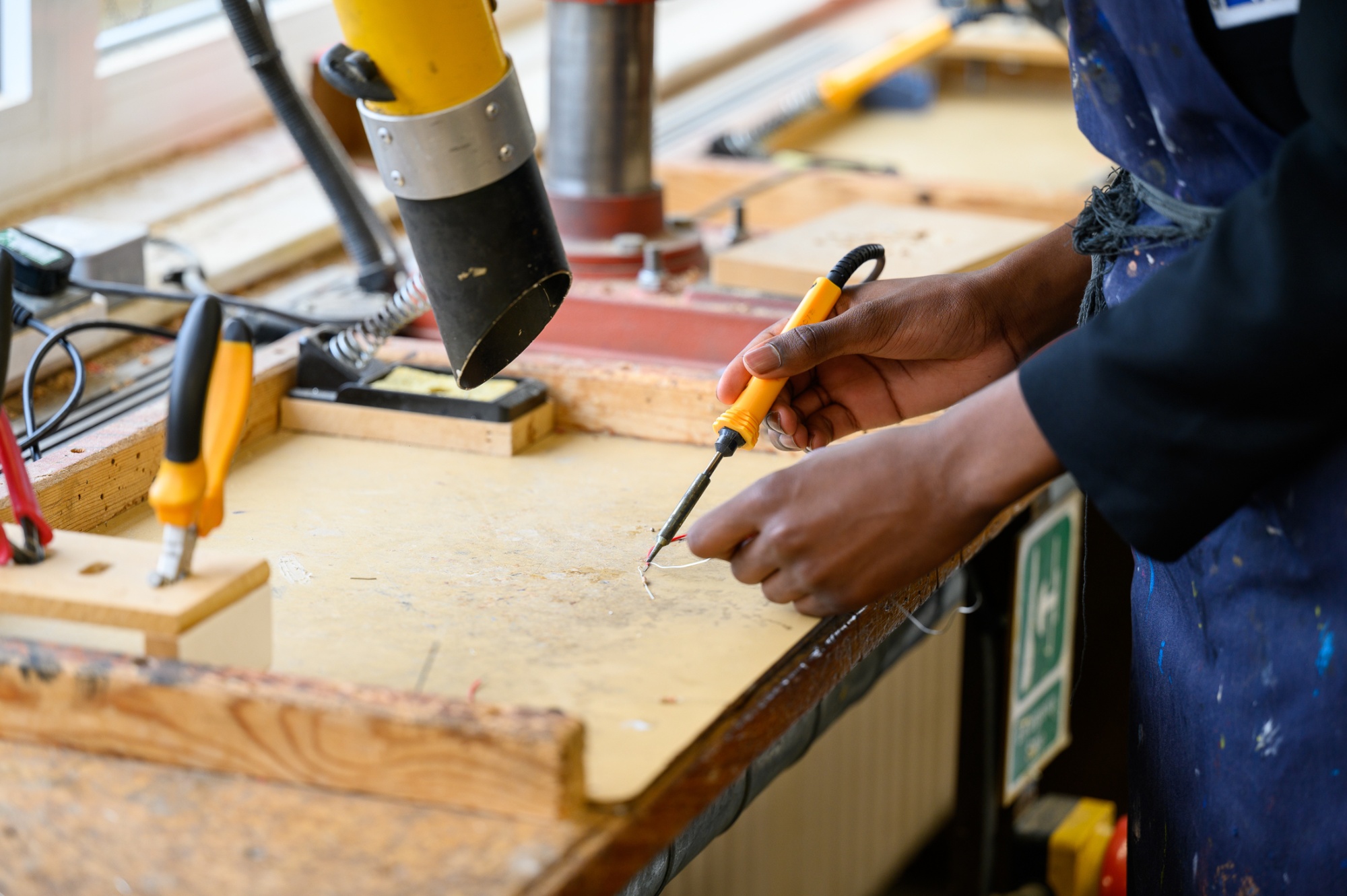
- Focus on 'Product over Person': Rather than face-on portraits, we will capture the essence of our activities—such as a close-up of artwork, a science experiment, or a theatrical stage set.
- Metadata Stripping: We will remove all background digital data (EXIF metadata) from files before uploading them to prevent location or device tracking.
How Parents Can Help: Sending in Successes
We love receiving updates about your child's achievements outside of school to feature on our channels. To make it possible for us to post these achievements safely and efficiently, please keep these guidelines in mind when taking and sending in photos:
- Avoid Face-On Shots: Try to send photos taken from alternative angles or distances where your child is not directly identifiable.
- Set Camera to Low Resolution: Lower your camera or phone capture settings to a low resolution before taking the shot.
- Strip EXIF Metadata: Kindly ensure the EXIF metadata has been stripped from the image file before sharing it with us publicly.
How to Remove Location Metadata From Your Device
- Apple (iPhone/iPad): Open the photo, tap the (i) icon or swipe up, tap Adjust under the map, and select No Location. Alternatively, when sharing a photo via the Share sheet, tap Options at the top of the screen and toggle off Location.
- Android: Open the Google Photos app, select the photo, swipe up, and tap the three dots icon to edit or remove the location details. You can also permanently disable location sharing in your Google Photos settings under Privacy > Share location data.
Email them to socialmedia@cottesloe.bucks.sch.uk along with a suggestion caption.