




Unifrog
Unifrog – The Complete Destinations Platform
At The Cottesloe School, we are committed to providing students with outstanding careers guidance and tailored support. To facilitate this, all students have access to Unifrog, an award-winning online destinations platform designed to help them make informed decisions about their future.
What is Unifrog?
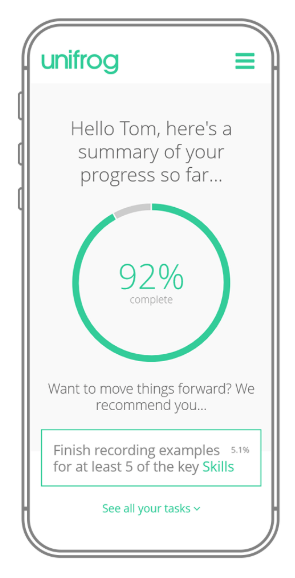
Unifrog is a one-stop-shop for students to explore their interests and prepare for the world of work or further education. Each student has a personal account tailored to their year group, interests, and aspirations.
Key features include:
- Discovery: Psychometric testing, career libraries, and subject exploration.
- Learning: Expert webinars and interactive short courses (MOOCs).
- Preparation: Self-reflection tools, portfolio building, and CV/essay writing guides.
- Search: Live databases for apprenticeships and university courses (UK and international).
Parent and Carer Access
We encourage parents to use the platform alongside their child to support their decision-making process. You can create your own account to monitor progress and explore the same tools the students use.
How to create your Parent Account:
- Link your Email: Ensure your email address is listed in the "parent/carer" field on your child’s Unifrog profile.
- Sign Up: Visit www.unifrog.org/parent.
- Login: You can sign in using your email or via Single Sign-On (Microsoft/Google).
Consistency is Key: Use the same email address registered with the school (MCAS) to ensure your account links correctly to your child.
Parent Newsletter: When signing up, you can opt-in to Unifrog’s parent newsletter for expert advice on supporting your child’s career journey.
Parent Guides: https://www.unifrog.org/blog/tag9-for-parents
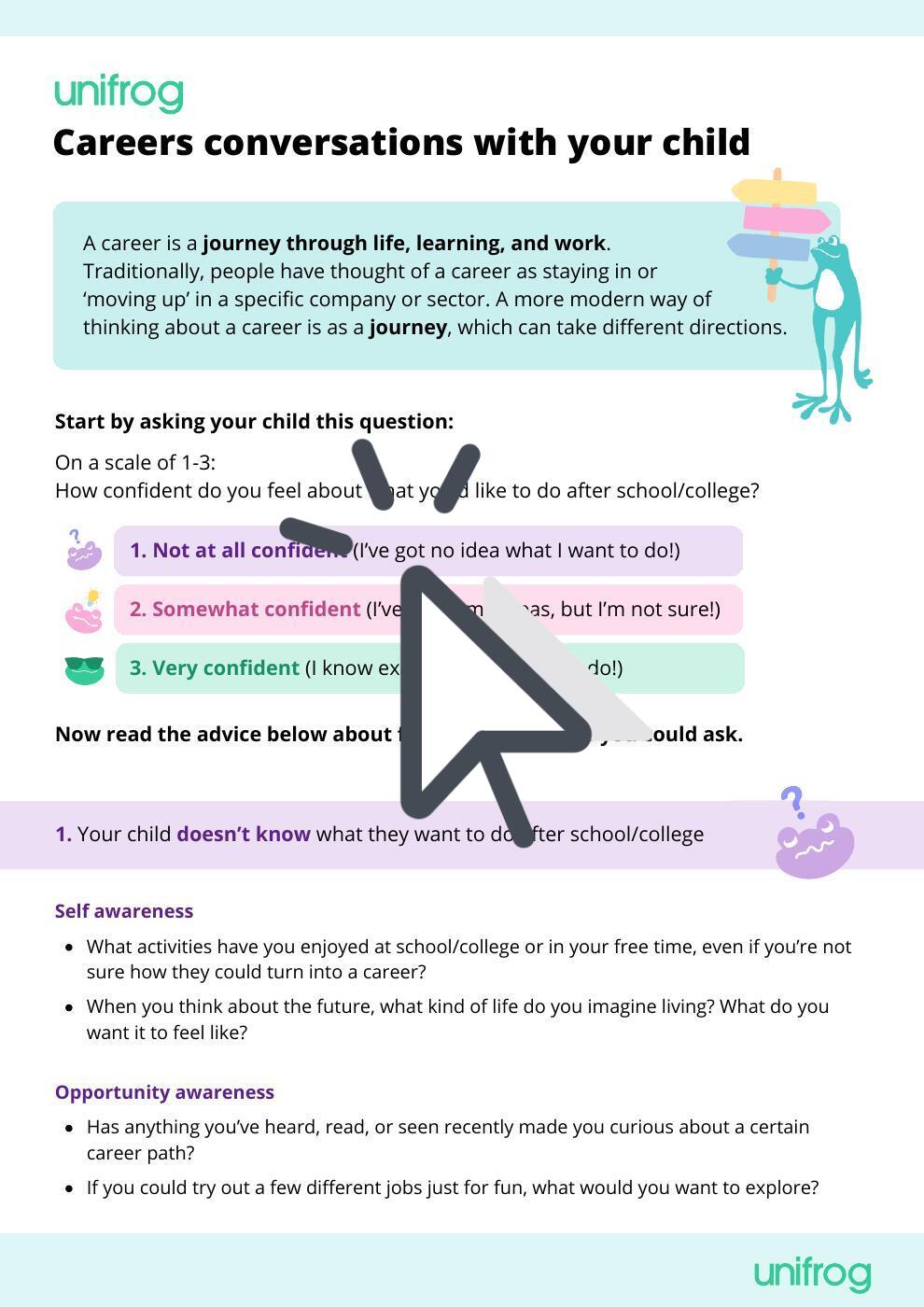
Please see this interactive guide
Work Experience and Placements
The Placements Tool is a vital part of the Unifrog platform. Whether your child is undertaking a traditional in-person placement or a virtual opportunity, all details must be logged here.
Using this tool, students can:
- Enter Details: Log employer information, dates, and contact points.
- Manage Approvals: Automatically notify the school and employer to ensure health, safety, and insurance requirements are met.
- Reflect: Record skills developed for use in future CVs and personal statements.
Important: Students must add placement details to Unifrog as soon as they are confirmed to ensure the school can approve and support the experience.
For Students
Please see this interactive guide
Support and Contact
If you have any issues signing in or questions about the platform, please contact:
Anna Gunn - Marketing and Careers Coordinator
careershub@cottesloe.bucks.sch.uk
Frequently Asked Questions (FAQ)
1. How does my child log in for the first time?
Students do not need to "sign up." Their accounts are created by the school. They should visit www.unifrog.org/sign-in and use their Google Single Sign-On.
2. I’m a parent; why can't I see my child’s specific profile?
To link your Parent Account to your child’s data, the email address you use for Unifrog must match the email address we have on file for you in our school system (MCAS). If they don't match, the accounts won't "talk" to each other. Please contact the Careers Hub if you need to update your registered email.
3. What should we do if my child forgets their password?
Students can reset their own passwords by clicking the "Forgot password" link on the Unifrog login page. A reset link will be sent to their school email address.
4. Why is the "Placements" tool so important?
The Placements tool is our primary way of ensuring student safety. When a student enters their work experience details, Unifrog automatically sends forms to the employer to check for Employers' Liability Insurance (ELI) and health and safety compliance. Without this, the school cannot formally approve the placement.
5. Can my child use Unifrog at home?
Yes! Unifrog is a web-based platform, meaning it is accessible 24/7 from any device with an internet connection, including smartphones and tablets. We encourage students to use it for independent research outside of school hours.
6. Is my data safe on Unifrog?
Yes. Unifrog is fully GDPR compliant. Only authorised school staff can see student activity, and data is used solely for the purpose of career guidance and application support.